

AI video creation has revolutionized content production, offering tools that simplify and enrich the creative process. However, as with any technology, there are common challenges that arise. These issues can disrupt your workflow and impact the quality of your videos, but with the right approach, you can overcome them efficiently.
Understanding these frequent challenges and how to address them is crucial for anyone using AI video tools. This guide will explore typical problems users face and provide practical solutions, ensuring you can maintain a seamless video production process. Whether you're dealing with glitches, rendering issues, or quality inconsistencies, we've got you covered.
What Are the Common Problems with AI Video Creation?
AI video tools, although advanced, are not immune to problems. Understanding these common issues can help you troubleshoot more effectively. Here are some of the most frequently encountered problems:
Glitches in video playback
Inconsistent video quality
Rendering errors
Audio-video synchronization issues
Limited customization options
Why Do AI Videos Glitch?
Video glitches are often a result of processing errors or software bugs. AI tools rely heavily on complex algorithms, which can sometimes lead to unexpected behavior. These glitches can manifest as visual distortions, audio mismatches, or unexpected pauses in the video.
To mitigate these issues, it's essential to keep your software updated and ensure your hardware meets the necessary specifications. Regularly checking for updates from your AI video tool provider, such as Vexub, can help minimize these disruptions.
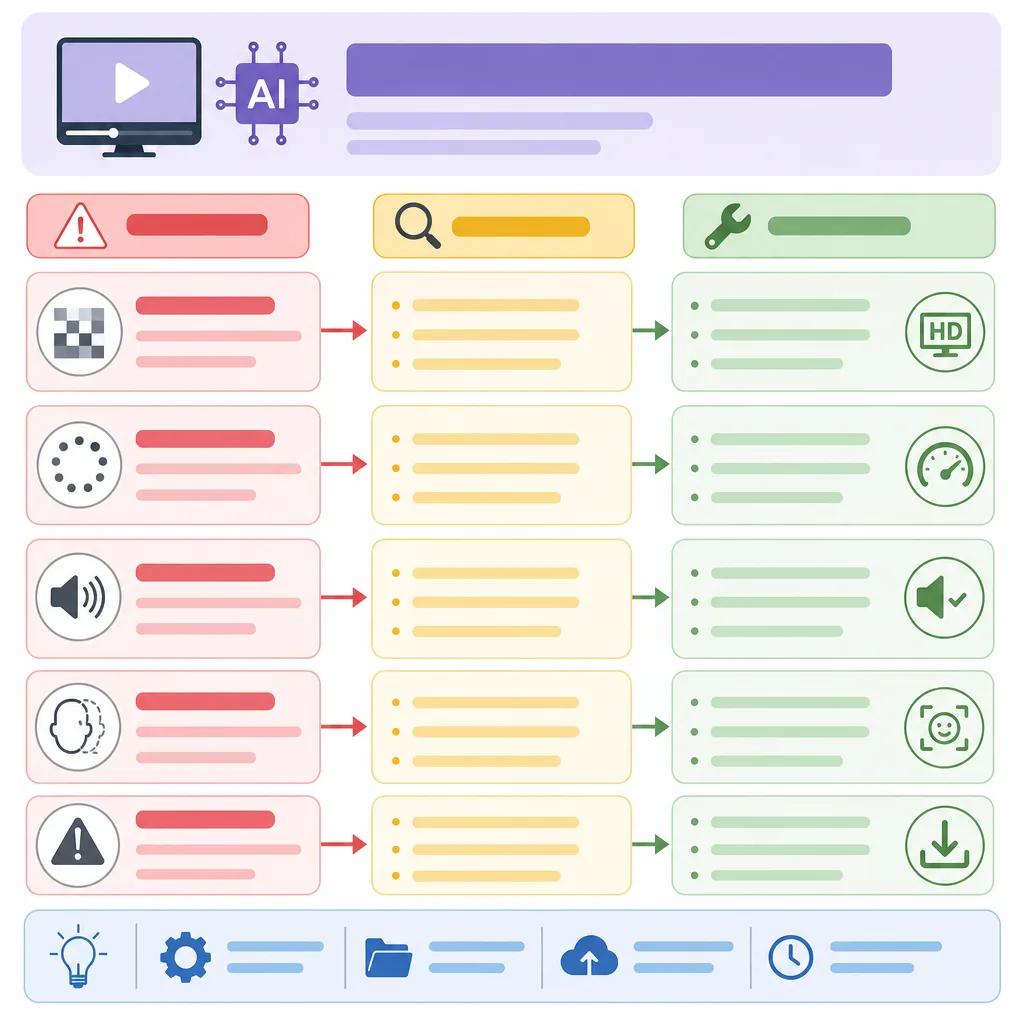
Understanding and Solving AI Video Quality Problems
Quality issues in AI videos can stem from several factors, including low-resolution source material or inadequate processing power. To improve video quality, consider the following strategies:
Ensure that your input files are of high quality.
Optimize your hardware for better performance.
Adjust settings within your AI tool to enhance output quality.
Vexub offers advanced settings that allow you to tweak the output parameters, ensuring your videos meet the desired quality standards. If you're experiencing persistent quality issues, reviewing these settings can provide a solution.
Hardware Considerations
The hardware you use can significantly impact the performance of AI video tools. Ensure your system has sufficient RAM, a powerful GPU, and ample storage to handle the demands of video processing. Inadequate hardware can lead to slower processing times and lower-quality outputs.
How to Address Rendering Errors in AI Videos
Rendering errors can disrupt the final output of your videos, often resulting in incomplete or corrupted files. These errors are typically caused by software bugs, hardware limitations, or incorrect settings.
To troubleshoot rendering errors, start by checking your software settings and ensuring they're configured correctly for your project. If the issue persists, consider upgrading your hardware or seeking support from your AI tool provider.
Create videos like this with AI
Script, voiceover, images and subtitles — automated in minutes.
Ensuring Consistency Across AI Video Outputs
Consistency in video output is crucial for maintaining a professional look and feel. AI video tools can sometimes produce inconsistent results due to variations in input data or processing errors.
To achieve consistent results, standardize your processes by using the same input formats and settings for similar projects. Additionally, regular testing and quality checks can help identify and address any inconsistencies early in the process.
Standardizing Your Workflow
Developing a standardized workflow can help minimize inconsistencies in your video outputs. Use templates and predefined settings for similar types of projects to ensure uniformity across your videos. Vexub's platform offers customizable templates that can streamline your video production process.

Leveraging Vexub's Tools for Better AI Video Creation
Vexub offers a suite of tools designed to enhance your AI video creation experience. By leveraging these tools, you can overcome common challenges and optimize your workflow.
For more detailed solutions and tips, explore our other resources such as ", creating product demonstrations with AI video, " or ", troubleshooting common video rendering issues, ". These articles provide additional insights into improving your video creation process.
Conclusion: Mastering AI Video Troubleshooting
Troubleshooting common AI video issues doesn't have to be daunting. By understanding the underlying causes and implementing practical solutions, you can enhance your video creation process and produce high-quality content consistently. Remember to stay updated with the latest software enhancements and make use of tools like Vexub to simplify your workflow.
For further reading, check out our article on ", improving viewer engagement with AI videos, ", which provides strategies to make your content more engaging and effective.







