
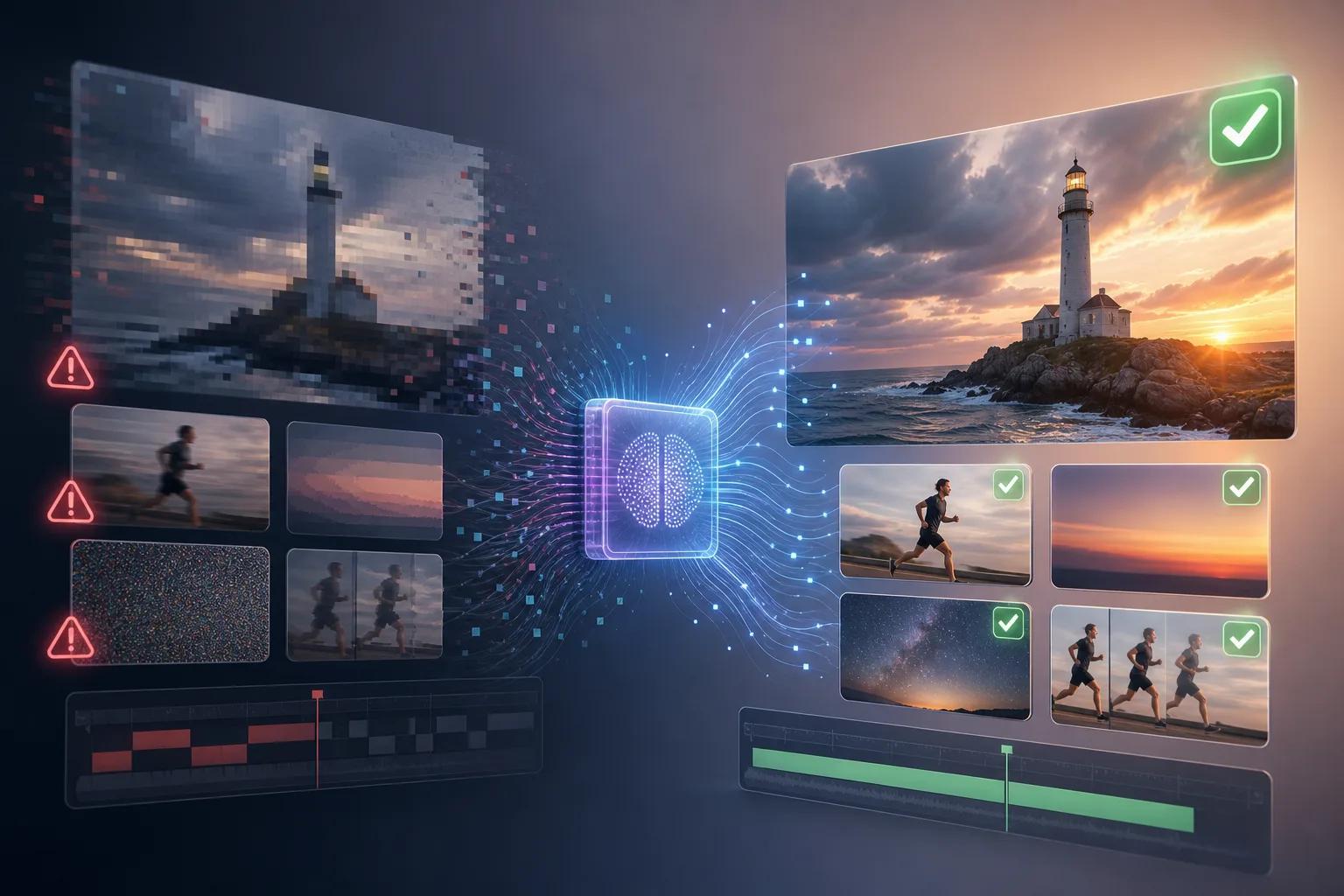
Video rendering issues can disrupt your creative flow, leaving you frustrated and uncertain about how to proceed. In 2026, as video content continues to dominate digital platforms, understanding how to troubleshoot these common problems is essential for creators aiming to deliver high-quality content.
Whether you're dealing with unexpected video glitches or persistent rendering errors, knowing the right steps to take can significantly improve your workflow efficiency. This comprehensive guide will equip you with the necessary tools and knowledge to tackle these challenges head-on.
What Are the Common Video Rendering Issues?
The landscape of video production in 2026 is increasingly complex, with numerous factors contributing to rendering issues. Common problems include video freezing, audio sync issues, and unexpected glitches in the final output. Identifying these problems early is crucial for timely resolution.
Another frequent issue is the mismatch between the rendered video quality and the source footage. This can lead to pixelation or a drop in visual fidelity, which undermines the viewer's experience. Understanding the root causes of these issues is the first step towards effective troubleshooting.
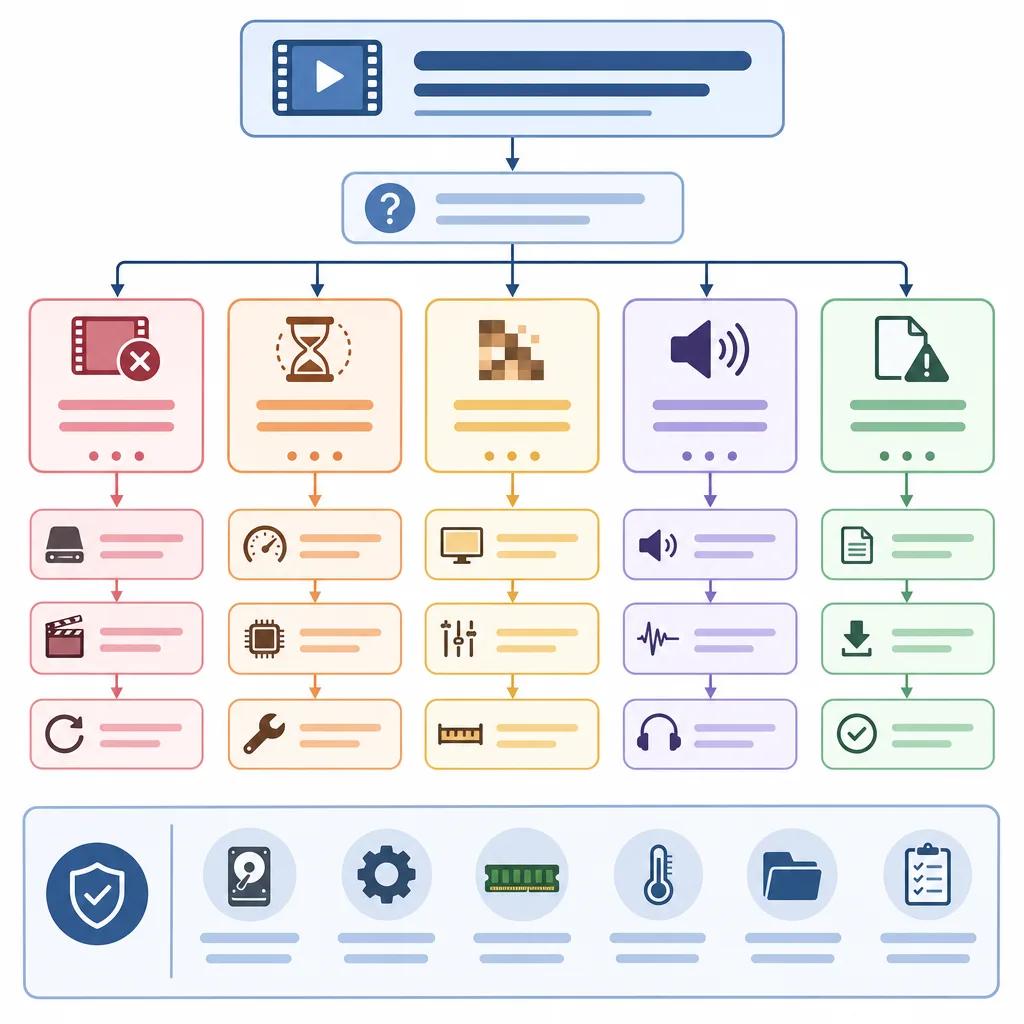
How to Fix Graphics Rendering Issues
Graphics rendering issues often stem from hardware limitations or software conflicts. Ensuring your hardware meets the minimum requirements for video editing software is a fundamental step. Upgrading your graphics card or increasing RAM can significantly enhance rendering performance.
Software conflicts can also cause rendering issues. Regularly updating your video editing software and graphics drivers can prevent compatibility problems. Additionally, checking for any background processes that might be consuming excessive resources can help maintain optimal performance.
Optimizing Software Settings
Adjusting your software settings can also resolve many rendering issues. Lowering the resolution or bit rate during editing can reduce the strain on your system, while still allowing you to export in high quality. Experiment with different settings to find a balance between performance and output quality.
Create videos like this with AI
Script, voiceover, images and subtitles — automated in minutes.
Why Is My Exported Video Glitching?
Glitches in exported videos are often due to incorrect export settings or corrupted source files. Double-checking your export settings to ensure they match the intended format and resolution can prevent many common glitches.
Corrupted files can be more challenging to address. Using a file repair tool or re-importing the source files can sometimes resolve these issues. Always keep backup copies of your project files to avoid losing progress.
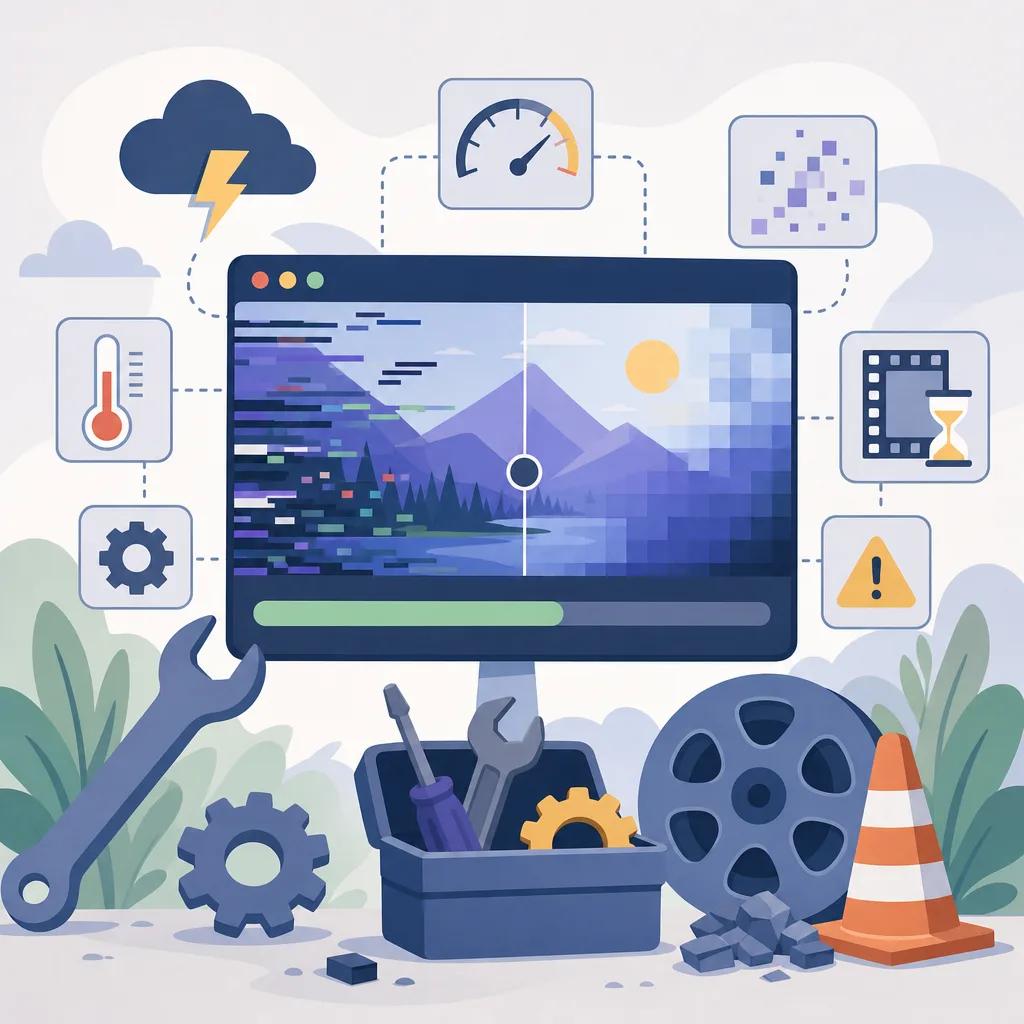
How to Solve Rendering Issues Efficiently
Efficient problem-solving requires a systematic approach. Start by isolating the problem—determine whether it's software, hardware, or file-related. Once identified, apply specific solutions to address the root cause.
For persistent issues, consider reaching out to online communities or forums. Platforms like Vexub offer support and resources that can guide you through complex challenges. You might also find helpful insights in articles such as ", AI video production tips for musicians, " or ", boost productivity with Vexub video generation, ".
Leveraging AI Tools
AI tools can streamline the troubleshooting process by automating repetitive tasks and providing intelligent suggestions for fixes. For example, Vexub's AI-driven platform can analyze rendering logs to suggest optimized settings tailored to your project's needs.
Preventing Video Rendering Issues
Prevention is better than cure, and this holds true for video rendering. Regular maintenance of your hardware and software, along with staying updated on the latest best practices, can minimize the risk of encountering rendering problems.
Educating yourself on the nuances of video formats and codecs can also prevent many common pitfalls. Consider exploring resources such as ", best practices for AI video in healthcare, " or ", how to create educational explainer videos with AI, " for more insights.
Conclusion: Mastering Video Rendering in 2026
Mastering video rendering in 2026 involves a combination of technical know-how, proactive maintenance, and leveraging AI tools like Vexub. By understanding the common issues and their solutions, you can ensure a smoother, more efficient video production process.
Stay informed, keep your tools updated, and don't hesitate to seek support when needed. With these strategies, you're well-equipped to handle any rendering challenge that comes your way, ensuring your creative projects shine.







