

Creating videos with AI is a revolutionary advancement that empowers creators to produce content faster and more efficiently. However, as with any technology, you may encounter obstacles, particularly rendering errors, which can disrupt your workflow.
Understanding how to effectively troubleshoot these AI video rendering errors is crucial. By equipping yourself with the right knowledge and tools, you can ensure smoother production processes and higher-quality outputs, ultimately enhancing your content's impact.
Understanding Common AI Video Rendering Errors
Before diving into solutions, it's essential to identify the common rendering errors you might face. These issues often stem from software glitches, hardware limitations, or incorrect settings.
Glitches: Unexpected visual artifacts or distortions in the video.
Crashes: The software may freeze or close unexpectedly during rendering.
Slow rendering: Extended time to process or complete a video.
Identifying the Root Causes
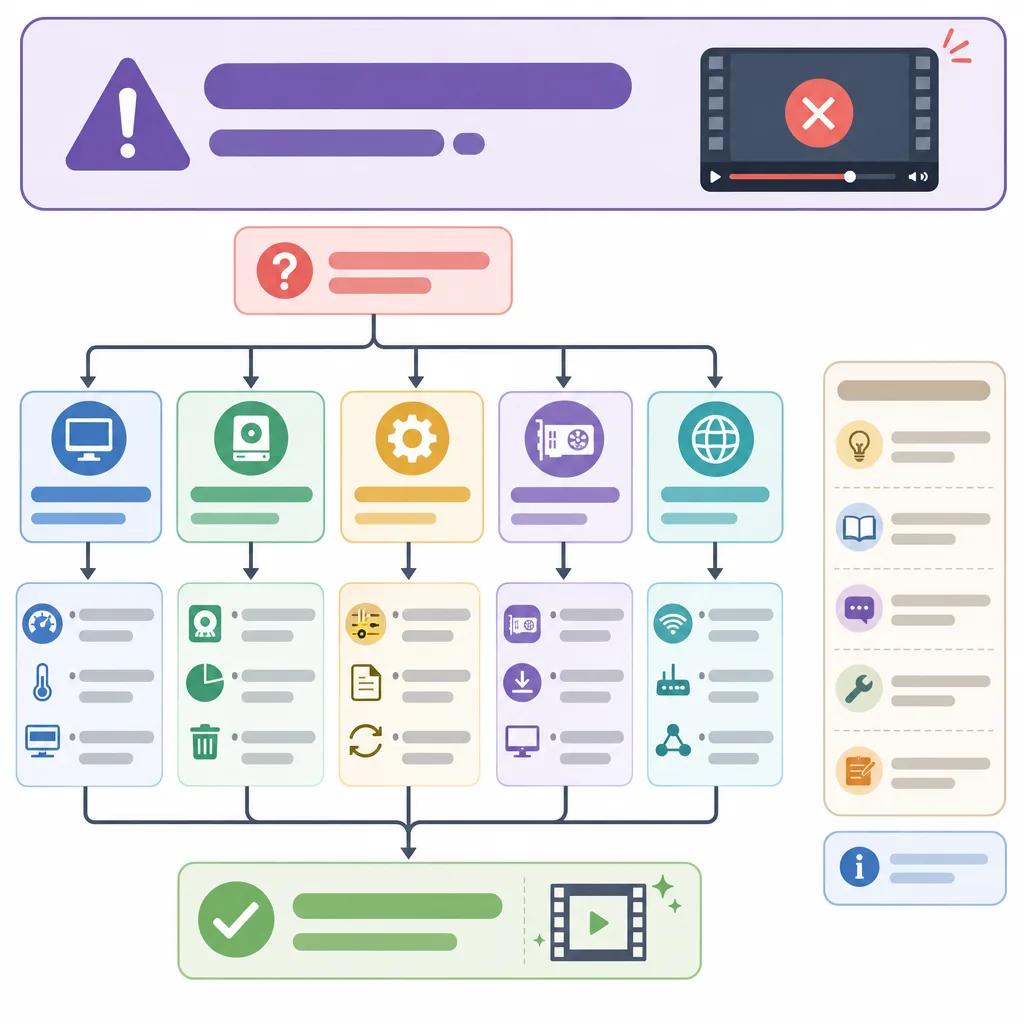
Many AI video rendering errors originate from specific root causes. Recognizing these can help you apply targeted solutions.
Hardware limitations are a primary factor. Ensure your system meets the minimum requirements for the software. Insufficient RAM or outdated graphics cards can lead to rendering failures.
Software configuration errors are another potential cause. Incorrect settings or incompatible plugins may affect the rendering process. It's beneficial to regularly update your software to the latest version to mitigate these issues.
Practical Solutions for Rendering Issues
Once you've identified the potential causes, implementing practical solutions is the next step. These strategies can help resolve most rendering errors efficiently.
Optimizing System Performance
Enhancing your system's performance can significantly reduce rendering errors. Consider upgrading your RAM or graphics card if they don't meet the recommended specifications.
Close unnecessary applications running in the background to allocate more resources to the rendering process. This can prevent crashes and slow performance.
Adjusting Software Settings
Tweaking the software settings can also help. Lowering the resolution or frame rate can sometimes resolve rendering issues without significantly impacting quality.
Experiment with different export settings to find a configuration that works best for your hardware.
Leveraging Vexub for Seamless Video Creation
Vexub integrates advanced AI technology to streamline video creation. Its robust platform minimizes rendering errors by optimizing processes in real-time.
With Vexub, you can focus more on creativity and less on technical obstacles. The platform's intuitive interface and comprehensive support ensure that even complex projects are handled smoothly.
Create videos like this with AI
Script, voiceover, images and subtitles — automated in minutes.
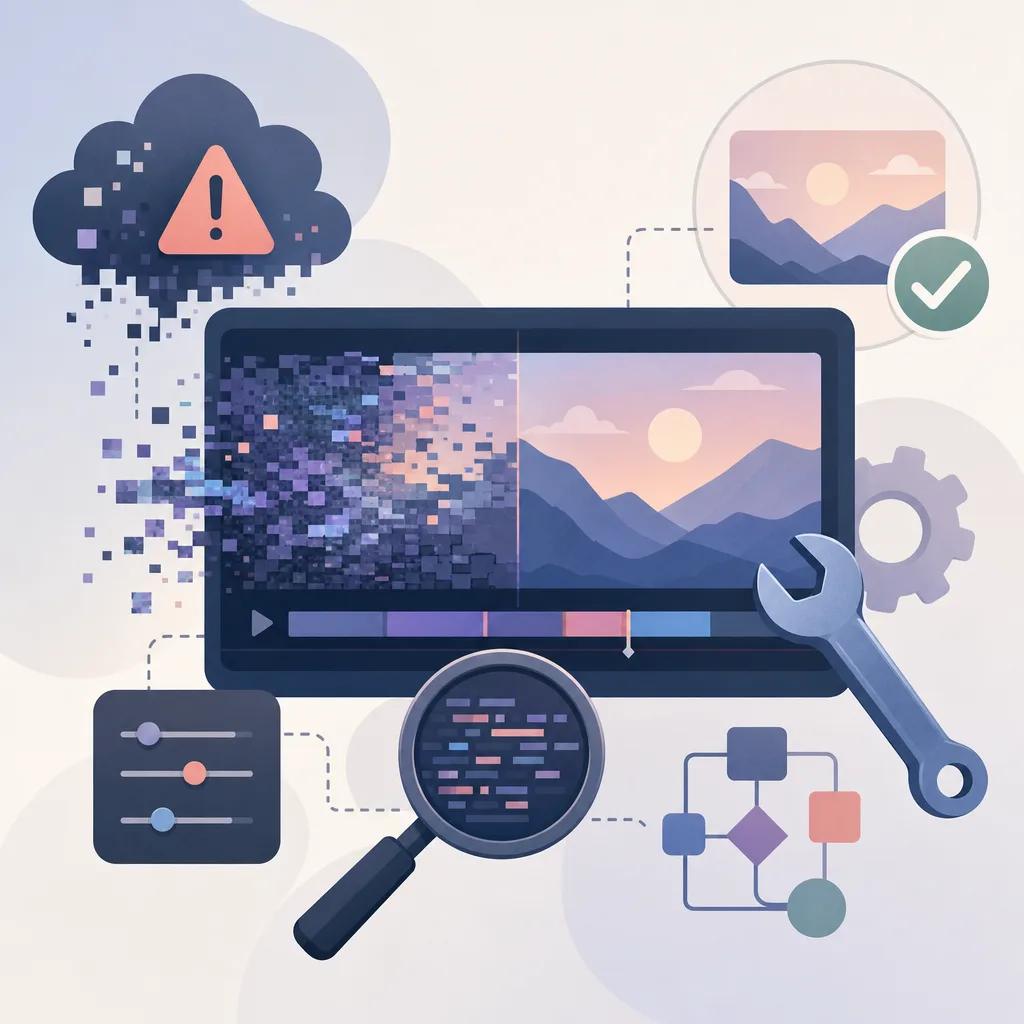
Dealing with Glitches and Artifacts
Visual artifacts and glitches can be frustrating, but there are strategies to address them effectively.
First, review the source files for any inconsistencies or errors. Poor input quality can often lead to undesirable output issues.
Next, use rendering previews to identify glitches early in the process. Adjusting the project settings or re-rendering with different parameters can often resolve these issues.
Updating and Maintaining Your Software
Regular updates are crucial for maintaining software performance and compatibility. Ensuring your AI video tools are up-to-date can prevent many common rendering errors.
Subscribe to newsletters or forums related to your software for the latest updates and community-driven solutions. Engaging with these resources can provide valuable insights and tips.
Conclusion: Streamlining Your Video Production
Troubleshooting AI video rendering errors requires a proactive approach and a willingness to adapt. By understanding the root causes and applying practical solutions, you can overcome these challenges.
Using platforms like Vexub not only simplifies the video creation process but also reduces the likelihood of encountering errors. By staying informed and maintaining your tools, you can ensure a smoother, more efficient content production journey.
Explore more about how AI video tools can enhance your projects by checking out our articles on ", AI video storytelling for businesses, " and ", troubleshooting common AI video issues, ".







