

AI-generated videos have revolutionized content creation, offering unprecedented capabilities to creators across various domains. However, even the most sophisticated AI systems can encounter playback issues, leading to frustration and disruption in user experience. Understanding these problems and knowing how to resolve them is crucial for anyone leveraging AI in video production.
Playback issues can manifest in various ways, from glitchy visuals to inconsistent audio synchronization. Identifying the root cause of these issues can be challenging, especially when dealing with complex AI algorithms. This article delves into the most common AI video playback problems and provides actionable solutions to ensure your videos run smoothly.
What Causes AI Video Glitches?
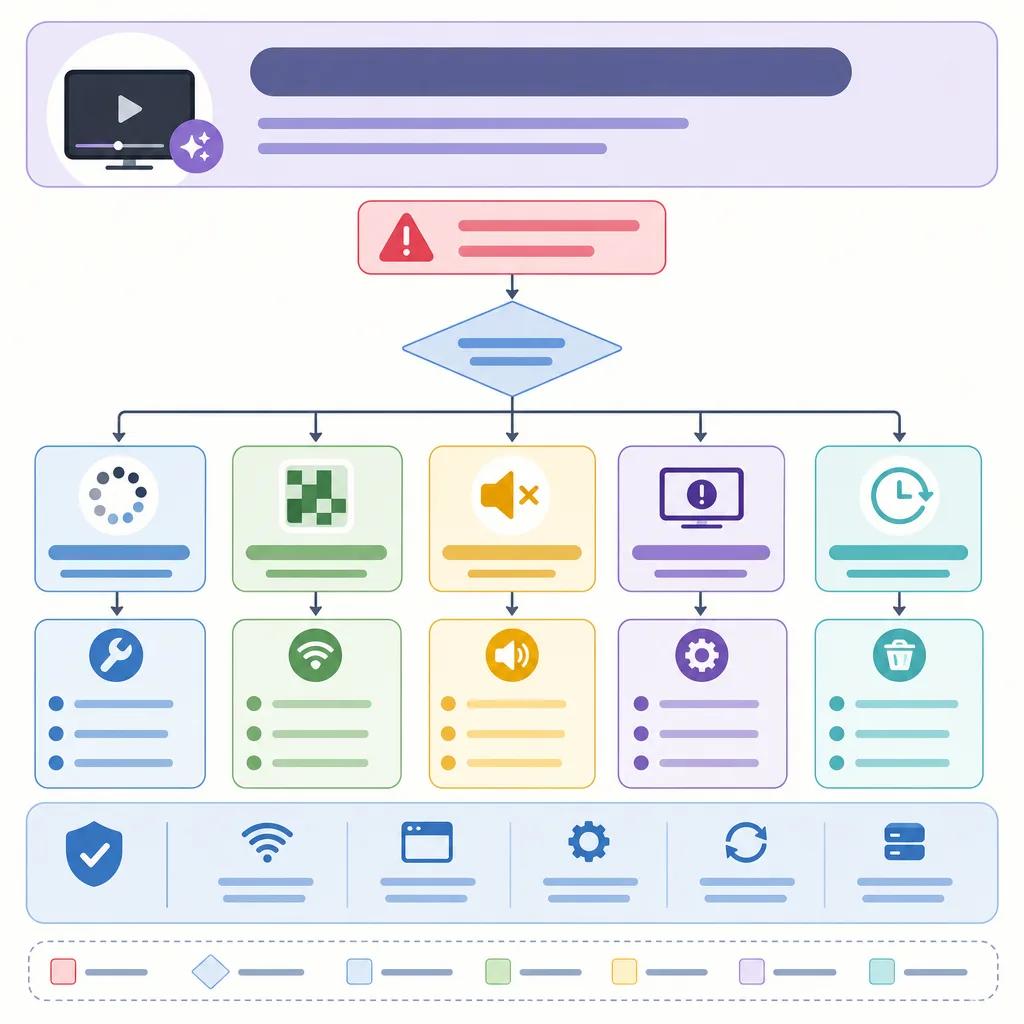
AI video glitches often result from a combination of factors, including hardware limitations, software bugs, and data processing errors. A common cause is insufficient processing power, which can lead to dropped frames or stuttering video. Additionally, software bugs in the AI algorithms can introduce unexpected artifacts or distortions in the video output.
Network issues can also impact video playback, particularly for streaming or cloud-based AI video solutions. Bandwidth constraints and latency can cause buffering or intermittent playback, degrading the overall viewing experience. To address these issues, ensure your hardware and network infrastructure are optimized for AI video processing.
How to Fix Glitchy Video Playback
When encountering glitchy video playback, the first step is to diagnose the problem. Check your hardware specifications and ensure they meet the requirements for AI video processing. Upgrading your graphics card or increasing RAM can significantly improve performance.
Next, update your AI software to the latest version, as newer releases often include bug fixes and performance improvements. If the issue persists, consider using a different AI video tool or platform, such as Vexub, which offers robust solutions for seamless video playback.
Why AI Videos Can Be Inconsistent
Inconsistencies in AI videos can arise from variable input data quality. AI models rely heavily on the input data to generate outputs, and any discrepancies in this data can lead to inconsistent results. Ensuring uniform data quality across all inputs is essential for maintaining consistency.
Another factor is the complexity of AI algorithms. More complex algorithms can be prone to errors and inconsistencies, particularly in edge cases. Simplifying your AI models or using predefined templates can help mitigate this issue.
Optimizing AI Models for Consistency
To achieve consistent results, it's important to optimize your AI models. This involves fine-tuning the parameters and architecture to better handle diverse inputs. Regularly training the model with updated datasets can also help improve its robustness and consistency.
Utilizing platforms like Vexub, which offer pre-trained models and templates, can streamline the process of creating consistent AI videos. These platforms provide tools for adjusting model parameters and visualizing potential inconsistencies before finalizing the video.
Addressing Audio Desynchronization
Audio desynchronization is a common issue in AI video playback, where the audio track does not align with the visuals. This can occur due to encoding errors or differences in processing times between audio and video streams.
To resolve this, use software tools that allow you to manually adjust the audio delay until it matches the video. Additionally, ensure your AI software is configured to handle audio and video streams simultaneously to prevent desynchronization.
Create videos like this with AI
Script, voiceover, images and subtitles — automated in minutes.
Preventing Network-Related Playback Issues
Network-related issues, such as buffering or slow playback, can significantly affect the quality of AI-generated videos, especially when streaming. To prevent these problems, optimize your network settings for video streaming.
Consider implementing a Content Delivery Network (CDN) to distribute your video content more efficiently. CDNs can reduce latency and improve playback speed by caching content closer to the viewer's location.

Leveraging Vexub for Reliable AI Video Solutions
Vexub offers a suite of tools designed to address common AI video playback issues. With its robust infrastructure and advanced algorithms, Vexub ensures smooth playback and consistent video quality.
By utilizing Vexub's platform, you can take advantage of features like automatic error detection and correction, which proactively identify and resolve potential playback issues. This allows you to focus on creating engaging content without worrying about technical glitches.
Enhancing Your AI Video Production Workflow
Improving your AI video production workflow can significantly reduce playback issues. Start by optimizing your script and storyboard to align with your AI model's capabilities. This minimizes the likelihood of errors during video generation.
Incorporate feedback loops into your production process to identify and address issues early. Platforms like Vexub provide analytics tools that help you monitor video performance and pinpoint areas for improvement. For more insights, explore our article on ", troubleshooting common AI video creation issues, ".
Additionally, integrating AI tools with existing video editing software can enhance your workflow. Tools like Adobe Premiere Pro or Final Cut Pro, when used alongside AI platforms, offer a comprehensive solution for creating high-quality videos. Discover how to ", use AI for video ads, " to further boost your marketing efforts.
For those new to AI video production, resources on ", creating educational tutorials with AI videos, " can provide valuable guidance. These resources offer step-by-step instructions and best practices for leveraging AI in content creation.







