
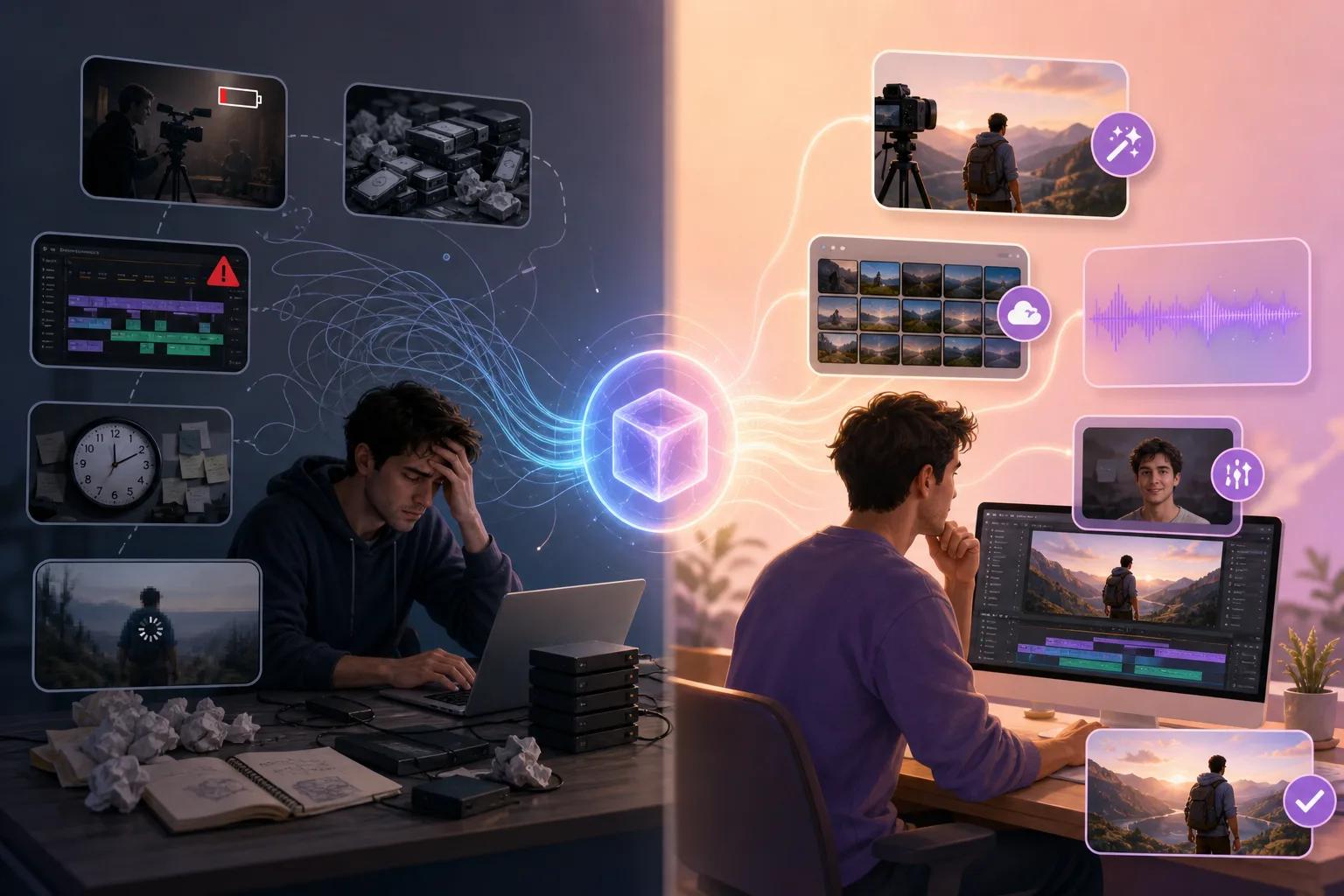
Creating videos with AI technology can be a game-changer, offering efficiency and creativity. However, you might encounter certain issues that can disrupt your workflow and affect the quality of your video content. This guide aims to provide you with practical solutions to troubleshoot these common problems.
Whether you're experiencing glitches in your AI-generated videos or facing unexpected errors, understanding the root causes can significantly improve your production process. By addressing these challenges, you can optimize your use of AI tools like ", Vexub, " and enhance the quality of your output.
Why Do AI Videos Glitch?
A common issue with AI-generated content is the occurrence of video glitches. These glitches often result from processing errors or limitations in the AI algorithms. They can manifest as unexpected artifacts, frame drops, or synchronization issues.
To mitigate these glitches, ensure your software is updated to the latest version, as developers frequently release patches to address known issues. Moreover, verify that your system meets the recommended specifications for running AI video tools. This step can prevent performance bottlenecks that lead to glitches.
Additionally, consider the complexity of your video project. AI systems sometimes struggle with highly detailed scenes, leading to processing errors. Simplifying these scenes or using a higher-tier AI tool can help maintain video quality.
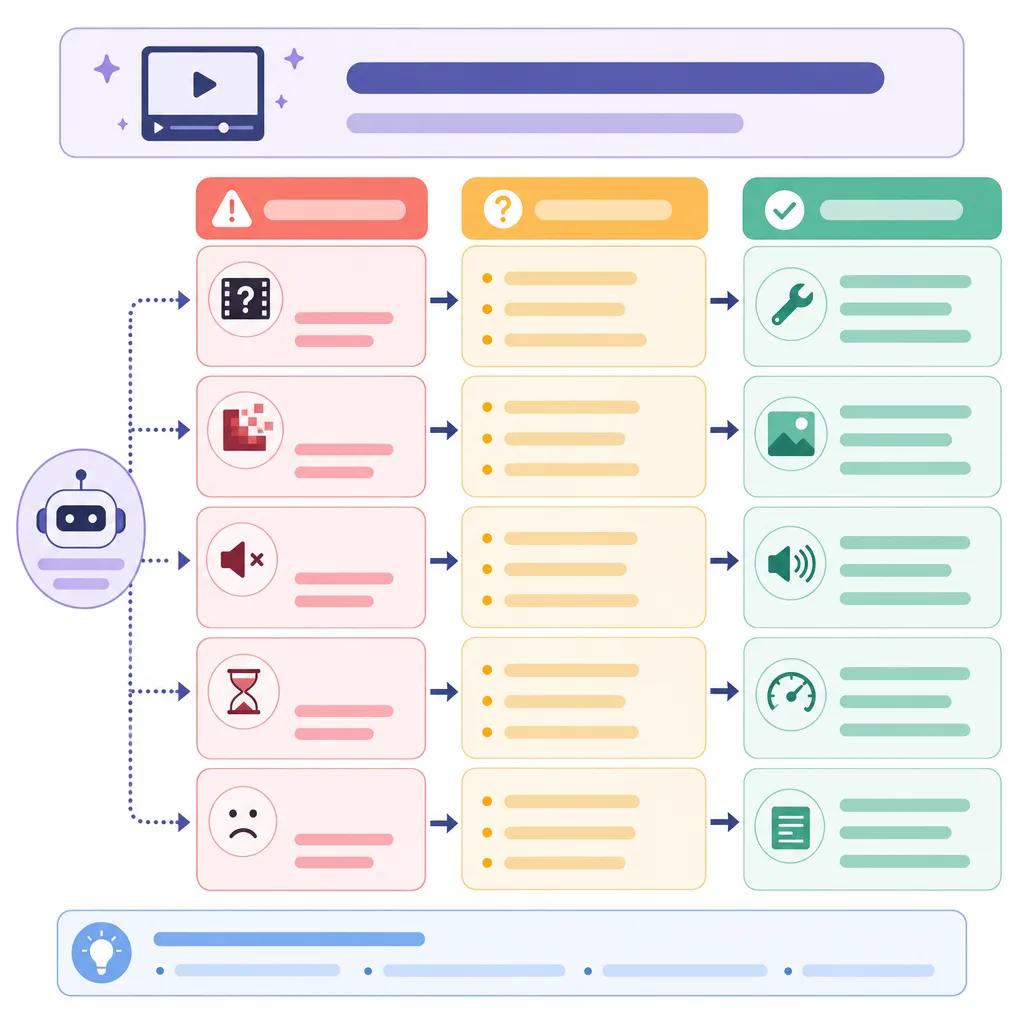
Resolving AI Video Quality Issues
Another prevalent problem is poor video quality, which can manifest as pixelation or color inaccuracies. This issue often arises from the compression algorithms used by AI video generators or insufficient input quality.
To tackle this, ensure that your source material is of high quality. High-resolution images and videos provide better input data for AI processing, leading to improved output quality. If you're using a platform like ", Vexub, ", explore their settings to adjust resolution and compression ratios.
Furthermore, experiment with different AI tools. Each platform has unique strengths, and some are better suited for specific types of video content. Comparing tools can reveal which one offers the best output quality for your needs.
Common AI Errors and How to Fix Them
Error Messages and Crash Fixes
Encountering error messages or software crashes is frustrating but not uncommon. These issues often relate to compatibility problems or insufficient resources. Start by checking the error message details, as they can provide clues about the underlying problem.
Updating your software and ensuring compatibility with your operating system can resolve many issues. Additionally, allocate more resources to your video creation software by closing unnecessary applications to free up memory and processing power.
Handling Rendering Failures
Rendering failures occur when the final video output is incomplete or corrupted. This issue is often due to hardware limitations or incorrect render settings. To fix this, verify your render settings match your desired output format and resolution.
Consider using cloud-based rendering solutions if your local hardware is insufficient. Platforms like Vexub offer robust cloud rendering options that can handle complex video projects without taxing your local resources.
Create videos like this with AI
Script, voiceover, images and subtitles — automated in minutes.
Improving AI Video Output Consistency
Consistency in AI video output is crucial for professional-quality content. Variability in output can occur due to algorithmic changes or inconsistent input data. Standardizing your workflow and input materials is key to minimizing these inconsistencies.
Regularly update your AI tools to benefit from improvements and bug fixes. When using Vexub, for instance, you can rely on their continuous enhancement of features to maintain consistent output quality.
Additionally, set benchmarks by creating reference projects. These projects serve as a quality standard, helping you identify deviations and adjust your process accordingly.

Optimizing Your AI Video Production with Vexub
Maximizing the potential of AI video tools like Vexub involves understanding and addressing the common challenges you might face. By implementing the solutions provided in this guide, you can enhance your video production capabilities.
Explore the various features Vexub offers, such as advanced editing tools and integration options, to streamline your workflow. Visit our ", AI video platforms comparison, " to discover how Vexub stacks up against other leading tools.
For those interested in niche applications, consider reading about ", creating educational content with AI video tools, " to expand your creative horizons. With the right strategies, AI video creation can become a seamless and rewarding process.







