

Creating videos using AI is an exciting frontier that opens up endless possibilities for content creators and businesses. However, you might encounter rendering issues that impede your ability to produce high-quality videos efficiently. Understanding these issues and how to resolve them is crucial.
Rendering issues can manifest in various ways, from unexpected glitches and frame drops to inconsistencies in video quality. Addressing these problems effectively ensures your AI video projects run smoothly, saving you time and enhancing your output quality. Let's explore some common issues and solutions.
What Causes Rendering Issues in AI Videos?
AI video rendering issues often stem from several factors such as insufficient processing power, software bugs, or incorrect configuration settings. These issues can lead to glitches, lag, or even failed renders, disrupting your workflow.
One significant cause is the limitation of hardware resources. AI video tools require substantial computational power, and inadequate resources can lead to rendering delays or failures. Additionally, bugs within the AI software itself can cause unexpected behavior during the rendering process.
Configuration errors are another common culprit. Incorrect settings in your video rendering software may result in output that doesn't match your expectations. Ensuring your settings align with the intended output format and resolution is essential for successful rendering.
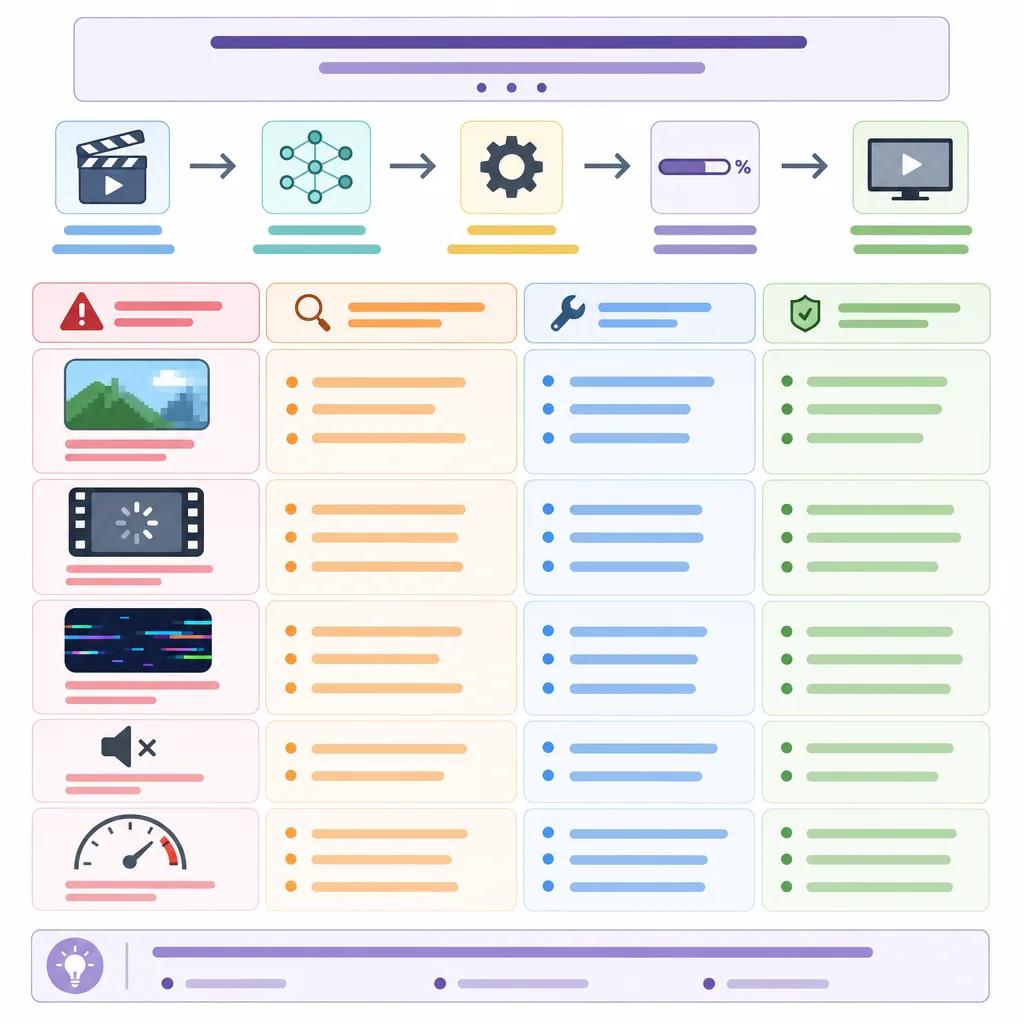
How to Identify AI Video Glitches and Their Sources
Identifying the source of glitches in your AI videos involves a systematic approach. Start by isolating the problem to determine whether it's related to hardware, software, or configuration. This step is crucial for applying the right solution.
Begin by checking your hardware specifications. Ensure your system meets the minimum requirements for running AI video software. If your hardware is up to par, investigate software issues by checking for updates or patches that might resolve known bugs.
Configuration settings should also be reviewed. Verify that your output settings match your project's requirements. For example, mismatched frame rates or resolutions can lead to unexpected visual artifacts.
Best Practices for Consistent AI Video Rendering
Consistency in AI video rendering can be achieved by adhering to best practices that optimize both your workflow and output quality. Regularly updating your software ensures you benefit from the latest improvements and bug fixes.
Optimize your hardware setup by using high-performance components such as fast processors and ample RAM. This setup minimizes bottlenecks during rendering, allowing your AI software to perform at its best.
Consider using tools like Vexub, which offer robust features tailored for AI video creation. Vexub's platform is designed to handle complex rendering tasks efficiently, providing you with high-quality output consistently.
Create videos like this with AI
Script, voiceover, images and subtitles — automated in minutes.
Addressing Specific Rendering Errors in AI Video Tools
Specific errors require targeted solutions. For instance, if you encounter frame drops, it might be due to insufficient RAM or CPU usage spikes. Adjusting your system resources or optimizing the software's performance settings can help.
Rendering crashes are often linked to software bugs or conflicts. Check for updates or reach out to the support team of your AI video tool for guidance on resolving these issues. Tools like link(\"troubleshooting AI video tools\", \"/blog/troubleshooting-ai-video-tools\") provide additional insights.
For issues related to video quality inconsistencies, ensure your rendering settings align with your project's specifications. This step involves checking parameters like bit rates and resolution settings to ensure they match the desired output.

Leveraging Community Resources and Support
Engaging with the community and support resources can significantly aid in troubleshooting rendering issues. Platforms like link(\"Vexub vs Steve AI comparison\", \"/blog/vexub-vs-steve-ai-comparison\") provide valuable user insights and experiences.
Participating in forums and discussion groups related to AI video creation allows you to share challenges and learn from others' experiences. Many users have faced and resolved similar issues, and their solutions can be invaluable.
Utilize official support channels provided by your AI tool's developers. These resources often include FAQs, user guides, and direct support from the development team to help you resolve complex issues efficiently.
Conclusion
Troubleshooting common rendering issues in AI video is essential for maintaining a smooth workflow and producing high-quality content. By understanding the causes of these issues and applying the appropriate solutions, you can enhance your video projects significantly.
Remember to leverage tools like Vexub, which are designed to assist in overcoming these challenges. Stay informed and connected with the AI video creation community to continuously improve your skills and understanding.
For more insights into AI video tools, consider reading link(\"AI video features for social media ads\", \"/blog/ai-video-features-social-media-ads\") and link(\"AI video strategies for finance and education\", \"/blog/ai-video-strategies-finance-education\"). These resources offer additional strategies and tips for optimizing your AI video projects.







