

As AI video creation tools become integral to video production workflows, encountering technical issues can be a frustrating roadblock. The good news is that many common issues are solvable with a bit of knowledge and the right approach.
Whether you're new to AI tools or a seasoned pro, understanding how to troubleshoot these issues can save you time and improve your video quality. From software glitches to rendering problems, let's explore effective strategies to keep your projects on track.
What Are the Most Common Issues with AI Video Tools?
AI video tools are powerful but not without their quirks. Users often report issues such as incorrect rendering, unexpected crashes, and inconsistent video quality. These problems can stem from a variety of sources, including software bugs, hardware limitations, and configuration errors.
Understanding the root causes of these problems is crucial. For instance, incorrect rendering might be due to low processing power or outdated software versions. Regular updates and hardware checks are essential for smooth operation.
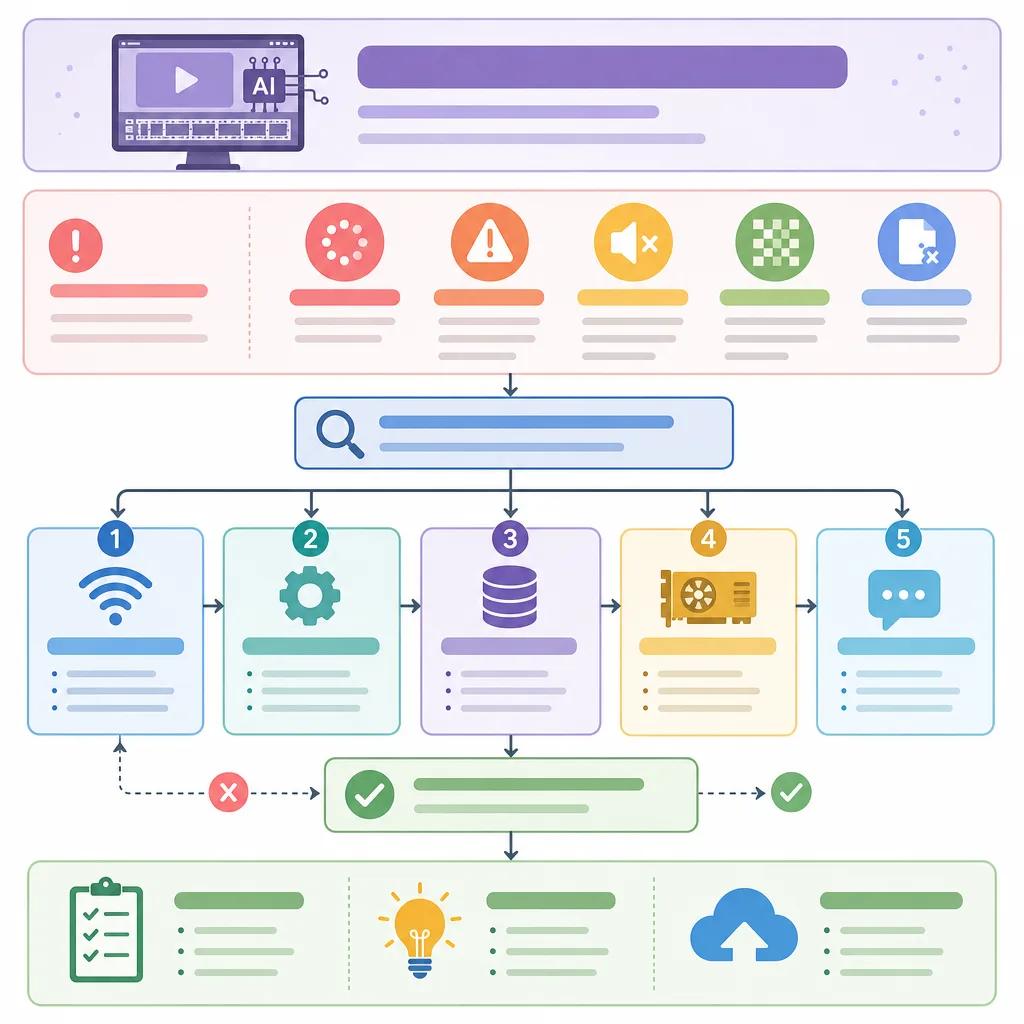
Why Are AI Tools Not Working as Expected?
When AI video tools fail to perform as expected, it often boils down to compatibility issues or insufficient resources. AI algorithms require substantial computational power and memory. If your system falls short, performance can degrade significantly.
Furthermore, software updates can introduce new bugs or conflicts. Always ensure your tools are up-to-date and compatible with your operating system. If problems persist, consulting the tool’s support community or forums can provide valuable insights.
How to Address Inconsistent AI Video Quality
Inconsistencies in video quality can be particularly frustrating. This issue is often linked to the training data used by AI algorithms. If the training data is not diverse or representative enough, the AI might produce subpar results.
To mitigate this, explore tools that allow for custom training datasets. This flexibility can help tailor the AI's output to better match your expectations. Additionally, experimenting with different settings and configurations can lead to improved consistency.
For more detailed guidance, consider reading our post on ", how to create engaging content with AI, ".
Steps to Resolve Rendering and Exporting Issues
Rendering and exporting problems are common with AI video tools, often resulting from misconfigured settings or insufficient processing power. To resolve these, start by checking your export settings. Ensure that the format and resolution are compatible with your project needs.
If exporting fails, try reducing the project file size or closing unnecessary applications to free up resources. In some cases, rendering issues may arise from corrupted project files. Regularly saving and backing up your work can prevent data loss.

Optimizing Performance for AI Video Creation
Optimizing performance is crucial for efficient AI video creation. Start by ensuring your hardware meets the recommended specifications for your video tools. This often includes having a powerful GPU, sufficient RAM, and a fast processor.
Beyond hardware, software optimization is key. Close unnecessary background applications to allocate more resources to your AI tools. Additionally, using cloud-based tools like Vexub can offload processing tasks, improving performance significantly.
For more on optimizing your workflow, check out our article on ", AI video marketing strategies for eCommerce, ".
Create videos like this with AI
Script, voiceover, images and subtitles — automated in minutes.
Dealing with Software Glitches and Crashes
Software glitches and crashes can disrupt your workflow and lead to data loss. To mitigate these issues, ensure your software is always up-to-date. Developers frequently release patches to fix known bugs, so staying current can prevent many common issues.
If crashes continue, consider reinstalling the software or resetting preferences to default. Often, corrupted settings files can cause instability. Additionally, explore user forums for specific fixes or patches related to your tool.
For more insights, read our comprehensive comparison of ", Vexub vs. Pika Labs AI Video, ".
When to Seek Professional Support
Sometimes, despite your best efforts, troubleshooting on your own isn't enough. Knowing when to seek professional support can save you time and frustration. Many AI video tool providers offer dedicated support teams who can troubleshoot complex issues.
Additionally, participating in user communities and forums can provide peer support and solutions. These platforms are invaluable for sharing experiences and learning from others who have faced similar challenges.
For ongoing learning, explore our guide on ", using AI for fitness motivation videos, ".
In conclusion, troubleshooting issues with AI video tools requires patience and a systematic approach. By understanding common problems and implementing these strategies, you can enhance your video production experience and achieve professional-quality results. Remember, tools like Vexub are here to support your creative journey, offering robust solutions that evolve with your needs.







