
Navigating the world of AI video creation can be an exciting venture, especially when you see your ideas come to life digitally. However, sound issues can often dampen the experience, leading to frustration and subpar content quality. Understanding how to effectively troubleshoot these sound issues is essential for maintaining the integrity of your projects.
Whether it's unwanted noise, poor synchronization, or missing audio, these sound issues can arise at any point in the video creation process. By learning how to identify and fix these common problems, you can ensure that your videos meet the high standards expected in 2026 and beyond. Here’s a comprehensive guide to help you tackle these challenges head-on.
Identifying Common AI Video Sound Issues
AI video tools, such as Vexub, offer incredible capabilities, but they aren’t immune to hiccups. Common sound issues include
No audio in output videos
Distorted or muffled audio
Audio not syncing with video
Background noise interference
Recognizing these issues early can save time and improve your final output. For instance, if you're using AI for educational video creation, it's crucial to ensure clarity and precision in audio to maintain the audience's engagement. Learn more about optimizing AI in educational videos in our article on ", best AI tools for creating educational videos, ".
Can AI Fix Audio in a Video?
Yes, AI can significantly enhance audio in your videos, but it's not a catch-all solution. While AI tools can reduce noise and enhance audio clarity, they sometimes struggle with complex issues like overlapping sounds or intricate ambient noises. It's essential to combine AI capabilities with human oversight for the best results.
For creators who rely heavily on automated processes, understanding the limits of AI is crucial. This ensures you can intervene manually when AI tools, like those from Vexub, don't fully resolve an issue. Explore more about AI's capabilities in our post ", Vexub vs Pictory 2026 update, ".
Steps to Fix Common Audio Issues
No Audio in Output Videos
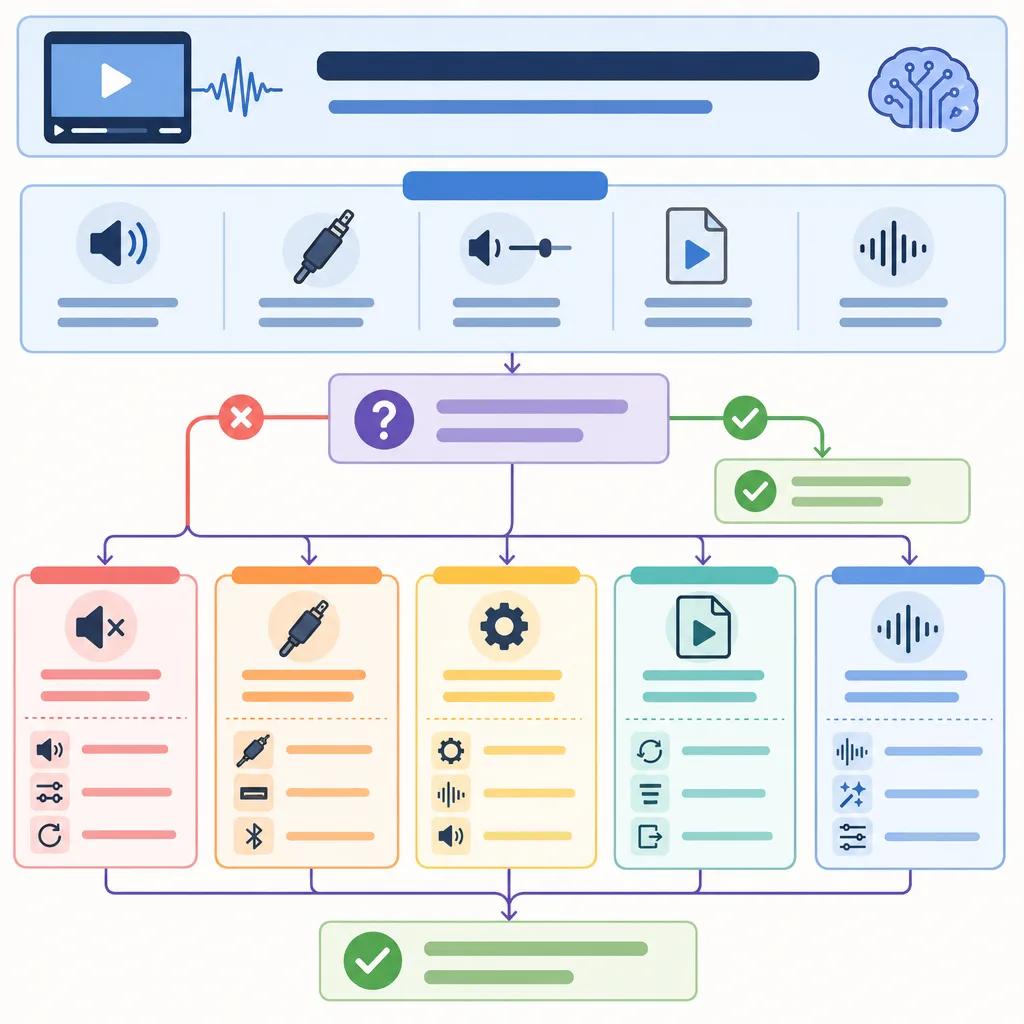
This issue often stems from incorrect settings or missing audio tracks. First, ensure your audio is properly linked during the editing process. Use Vexub's diagnostic tools to verify that the audio tracks are not muted or improperly configured.
If the issue persists, check the file format and compatibility of your audio files with the video editing platform. Sometimes, converting audio files to a more compatible format can resolve these issues. Learn more about file compatibility in our guide on ", creating MP3 to video with Vexub, ".
Distorted or Muffled Audio
Distortion often results from improper audio levels or compression artifacts. Use Vexub's audio enhancement features to adjust levels and apply filters that can help reduce distortion. Ensuring the correct audio bitrate and sampling rate can also mitigate this problem.
Why Does AI Audio Sound Bad?
AI-generated audio can sound unnatural due to poor voice synthesis or incorrect audio settings. To improve this, fine-tune the AI's voice modulation settings and choose high-quality voice samples. This is especially important in projects where voice clarity is critical, such as in explainer videos or professional presentations.
Additionally, using AI in conjunction with traditional audio editing techniques can enhance the naturalness of the sound. For insights on AI voice synthesis, check out ", AI voice cloning for content creators, ".
Enhancing Sound Quality in AI Videos
To enhance audio quality, consider using advanced AI tools that specialize in sound optimization. Vexub, for example, offers sophisticated algorithms that balance audio frequencies and reduce unwanted noise while maintaining clarity.
Incorporating post-processing techniques, such as equalization and dynamic range compression, can further refine audio quality. These techniques can be particularly useful when creating content for platforms that demand high audio standards, like professional video portfolios.
Create videos like this with AI
Script, voiceover, images and subtitles — automated in minutes.
Monitoring and Adjusting Sound Settings
Constant monitoring of your sound settings during video creation is key. Regularly check audio levels and balance throughout the editing process to preemptively catch issues. Vexub's real-time audio monitoring tools can help you keep track of these parameters effectively.
Adjusting sound settings dynamically based on the content type can also enhance the viewing experience. For instance, a video tour of a quiet art gallery requires different audio settings than a vibrant street market tour. Explore more on content-specific audio settings in our article on ", AI video for real estate tours, ".
Conclusion: Mastering Audio Troubleshooting
By mastering these troubleshooting techniques, you ensure that your AI video creations are not only visually stunning but also auditorily engaging. Whether you're a seasoned video creator or just starting with AI tools, understanding and resolving sound issues will significantly enhance your content's impact.
Remember, while AI like Vexub can automate many processes and improve efficiency, human expertise is invaluable for fine-tuning and perfecting audio quality. Stay informed about the latest developments in AI video creation by visiting our blog regularly and leverage these insights to stay ahead in the ever-evolving digital landscape.







