

AI-generated videos have transformed content creation, yet challenges persist when importing these videos across platforms. If you've faced errors or compatibility issues, you're not alone. This guide offers solutions to common import problems, ensuring your AI videos integrate seamlessly.
Whether you're a seasoned creator or a newcomer, understanding the nuances of AI video importation is crucial. Even the best tools can encounter glitches, but with the right approach, these can be quickly resolved. Let's dive into the most effective troubleshooting steps to overcome these obstacles.
Common AI Video Import Issues
When working with AI-generated videos, you may encounter a variety of import issues. Common problems include format incompatibility, codec errors, and file corruption. Identifying the root cause is the first step towards resolution.
Format incompatibility with your target platformCodec mismatches causing playback issuesCorrupted files leading to import failures
For instance, if your video file format isn't supported by the platform you're uploading to, you'll need to convert it to a compatible format. Tools like Vexub can assist in converting and optimizing files for various platforms.
Understanding and Fixing Glitches
AI videos are not immune to glitches. These can appear as visual artifacts or audio desynchronization. Glitches often result from processing errors or insufficient rendering power.
To address glitches, ensure your software is updated and your hardware meets the necessary specifications. Rendering your video in a higher quality setting may also resolve some visual issues. Additionally, using platforms like Vexub can streamline the production process, reducing the likelihood of glitches.
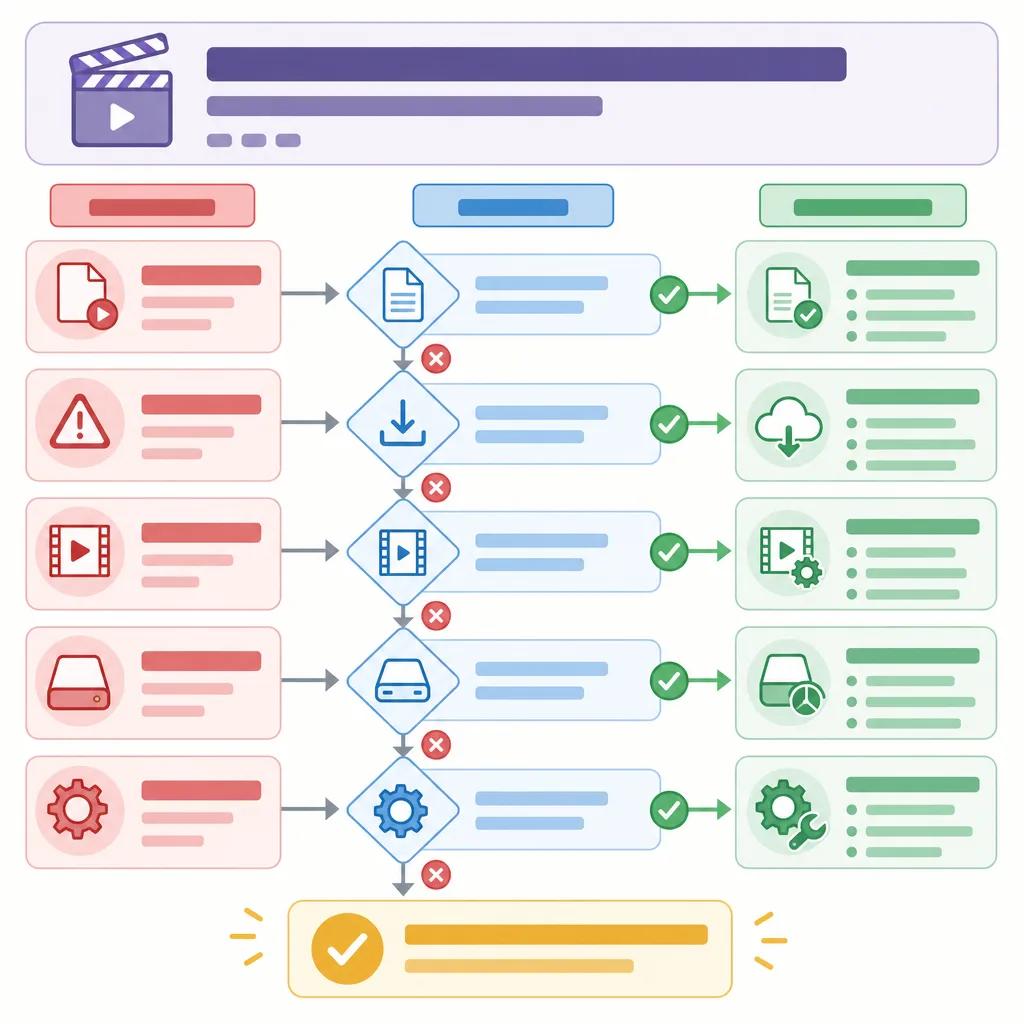
Resolving Upload Errors
Error Messages and Their Meanings
Understanding the error messages that accompany failed uploads is crucial. Common messages such as 'File Format Not Supported' or 'Upload Failed' indicate specific issues that need addressing.
For 'File Format Not Supported', consider using a video converter to change the file format. Platforms often specify supported formats, making this an essential step. For 'Upload Failed', check your internet connection and try uploading again during off-peak hours to avoid network congestion.
Using Tools for Repair
Sometimes, video files may be damaged or corrupted. Using repair tools can salvage your work and prevent starting from scratch. Tools like Stellar Repair for Video can fix corruption issues, ensuring your AI-generated content is upload-ready without glitches.
Moreover, Vexub offers integrated solutions to handle video repairs, providing a comprehensive platform for all your video needs.
Optimizing Video for Different Platforms
Each social media and streaming platform has its own set of requirements for video uploads. Ensuring your video meets these specifications is crucial for successful uploads. This includes adhering to file size limits, resolution standards, and aspect ratios.
For example, if you're uploading to YouTube, ensure your video is in MP4 format with H.264 codec and AAC audio. Platforms like Vexub offer presets that automatically adjust your video to meet these requirements, simplifying the upload process.
Preventive Measures to Avoid Import Issues
Prevention is often better than cure. To avoid future import issues, consider these preventive measures:
Regularly update your editing and upload softwareUse reliable hardware for processing and renderingAdopt cloud storage solutions for easy access and backup
By keeping your software up to date and using cloud storage, you can minimize the risk of encountering import issues. Platforms like Vexub continuously update their tools to offer the latest features and compatibility improvements.
Create videos like this with AI
Script, voiceover, images and subtitles — automated in minutes.
Leveraging Vexub for Seamless Integration
Vexub stands out as an AI video creation platform that simplifies the integration of your videos across various platforms. With its user-friendly interface and robust features, you can easily overcome import challenges.
The platform offers a suite of tools that optimize video formats, repair corrupted files, and ensure compatibility with multiple platforms. By using Vexub, you can focus on creating content without worrying about technical hurdles.

Conclusion: Mastering AI Video Import
Importing AI-generated videos shouldn't be a daunting task. With the right knowledge and tools, you can troubleshoot and resolve any issues that arise. By using Vexub, you gain access to a platform designed to make video creation and importation seamless.
For further reading, explore topics like link('craft compelling ads with AI video', '/blog/craft-compelling-ads-ai-video') or link('compare Vexub vs. Pictory', '/blog/vexub-vs-pictory-2026-update') to enhance your AI video journey. Remember, each challenge is an opportunity to refine your skills and produce even better content.







